Ugly slides in,
beautiful decks out.
Upload any PowerPoint and get a professionally redesigned deck in seconds. Your template, your brand, your fonts — just better.
🧑👩👨
2,400+ decks redesigned by consultants, founders & teamsBefore · Messy
 SlidePanda
After · Beautiful
Real Examples
See the difference
Every slide below was redesigned by SlidePanda while preserving the original template.
Before
After


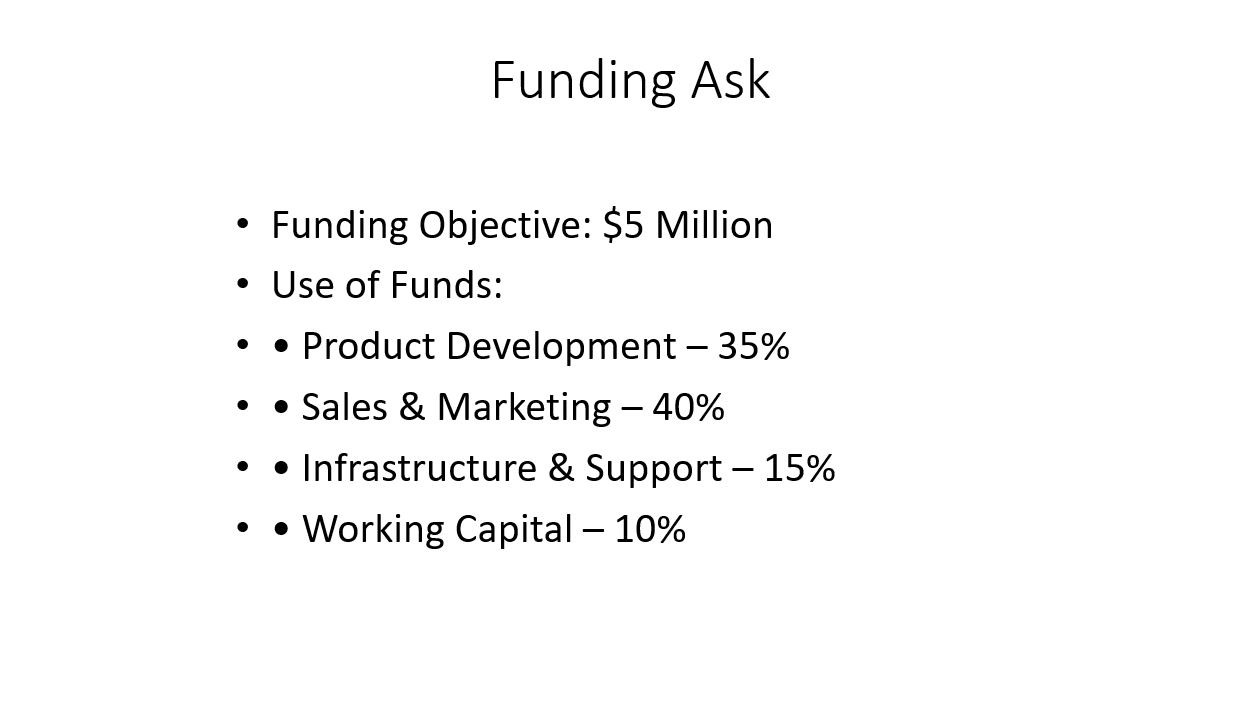
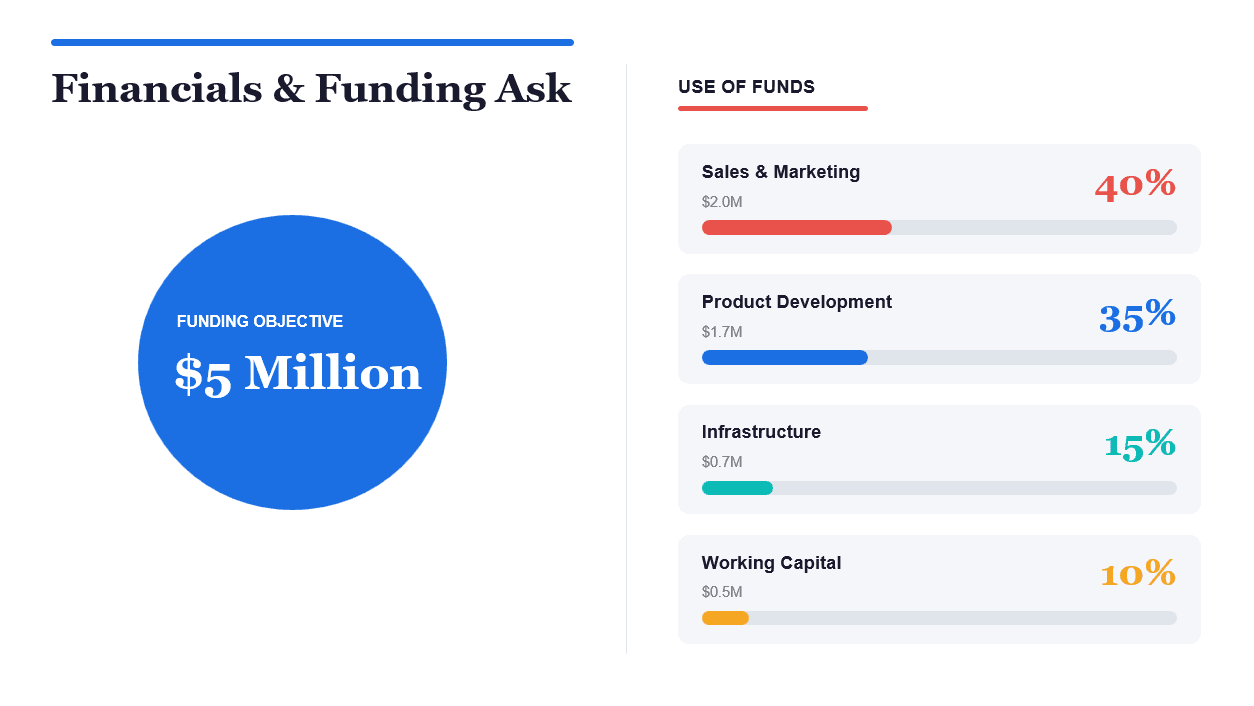
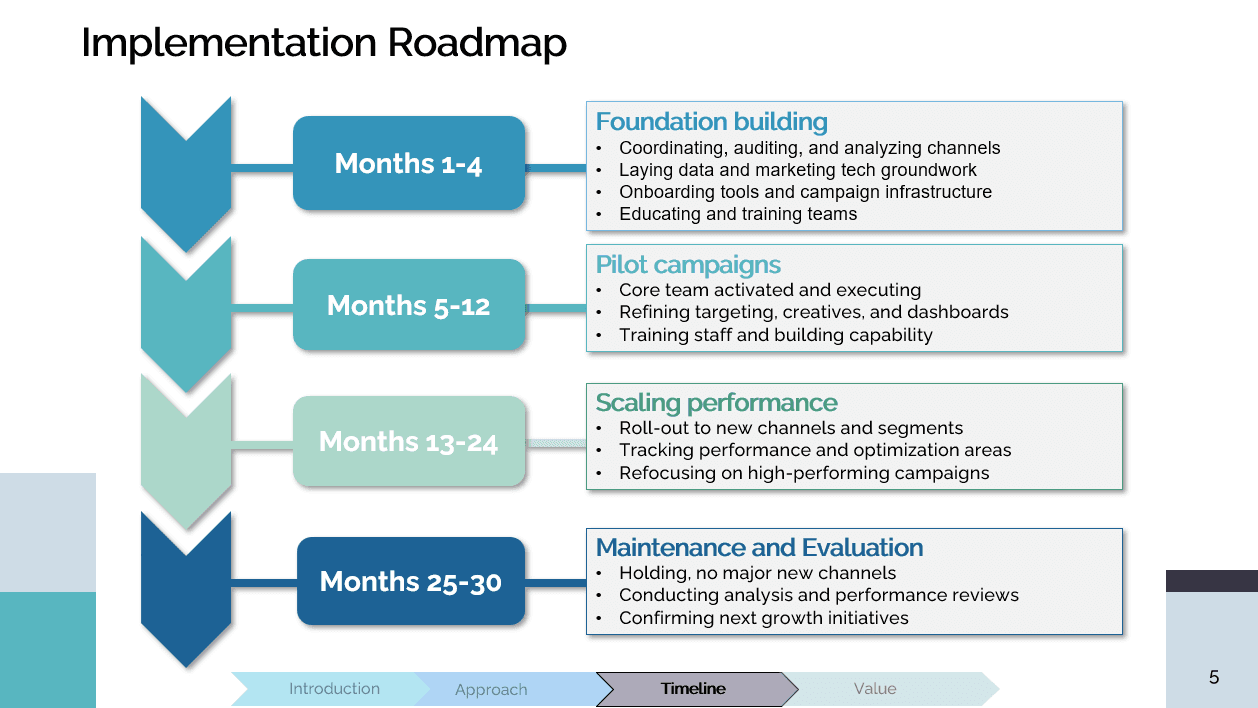
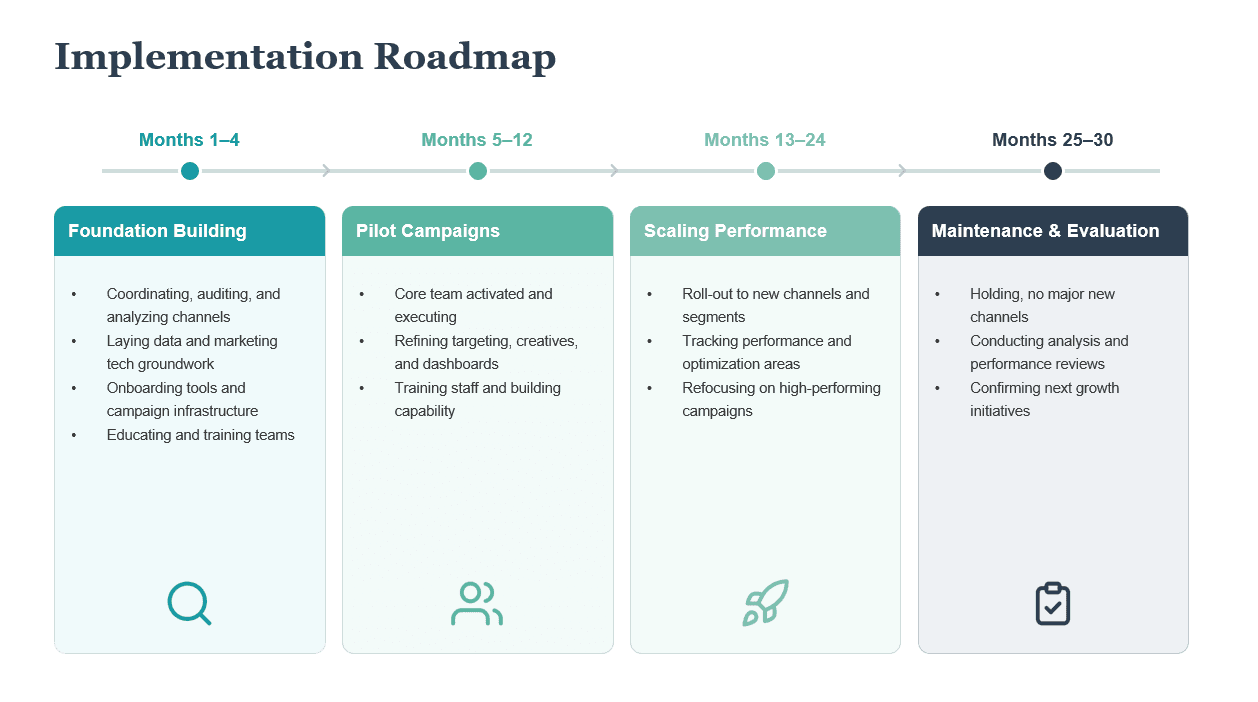
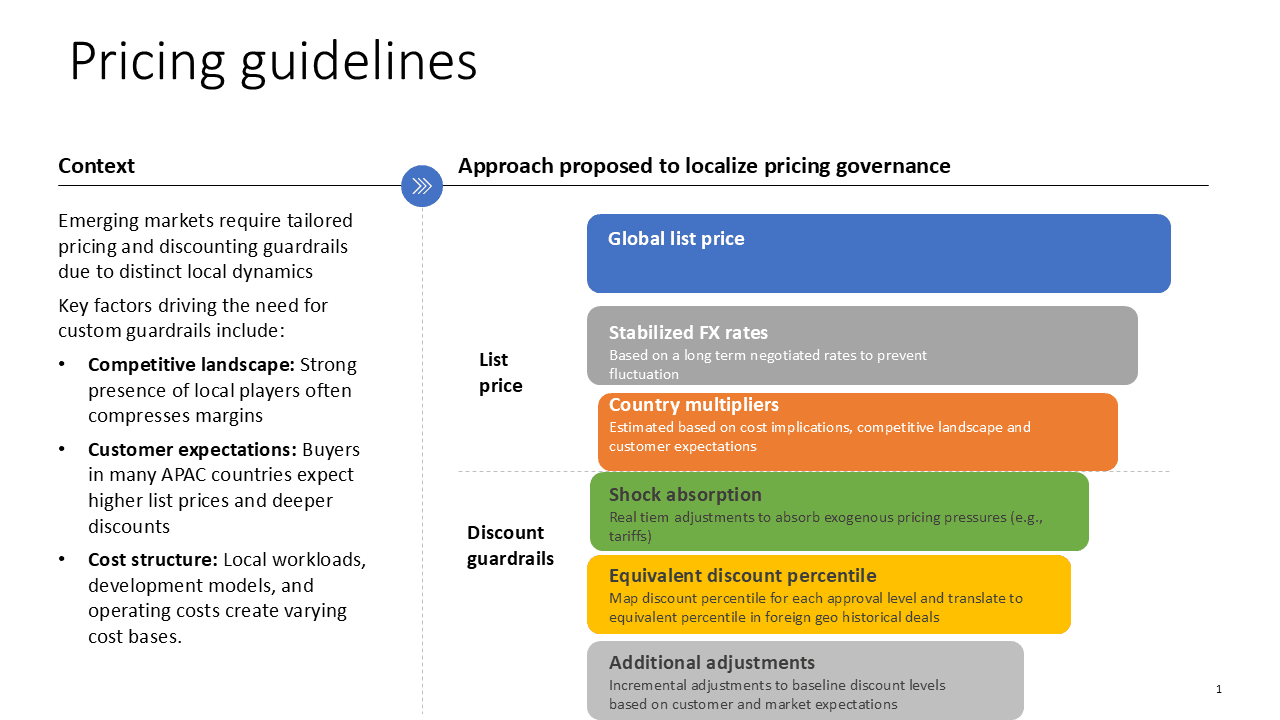
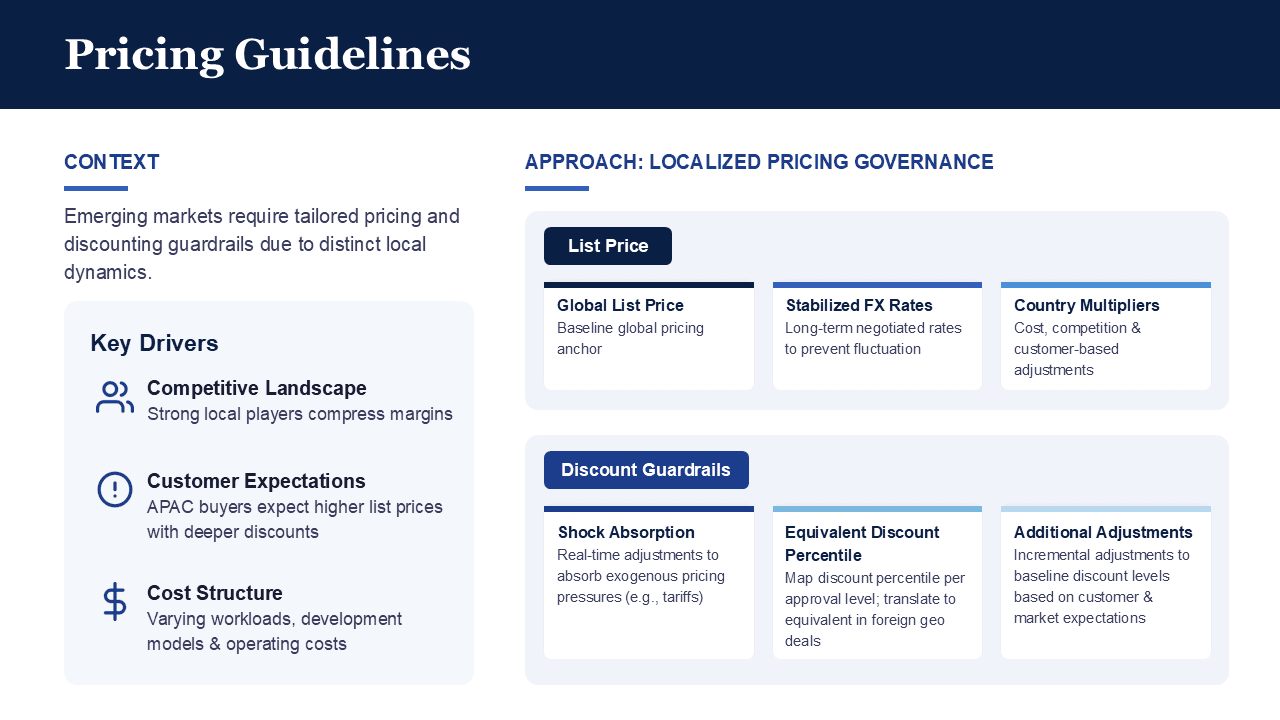
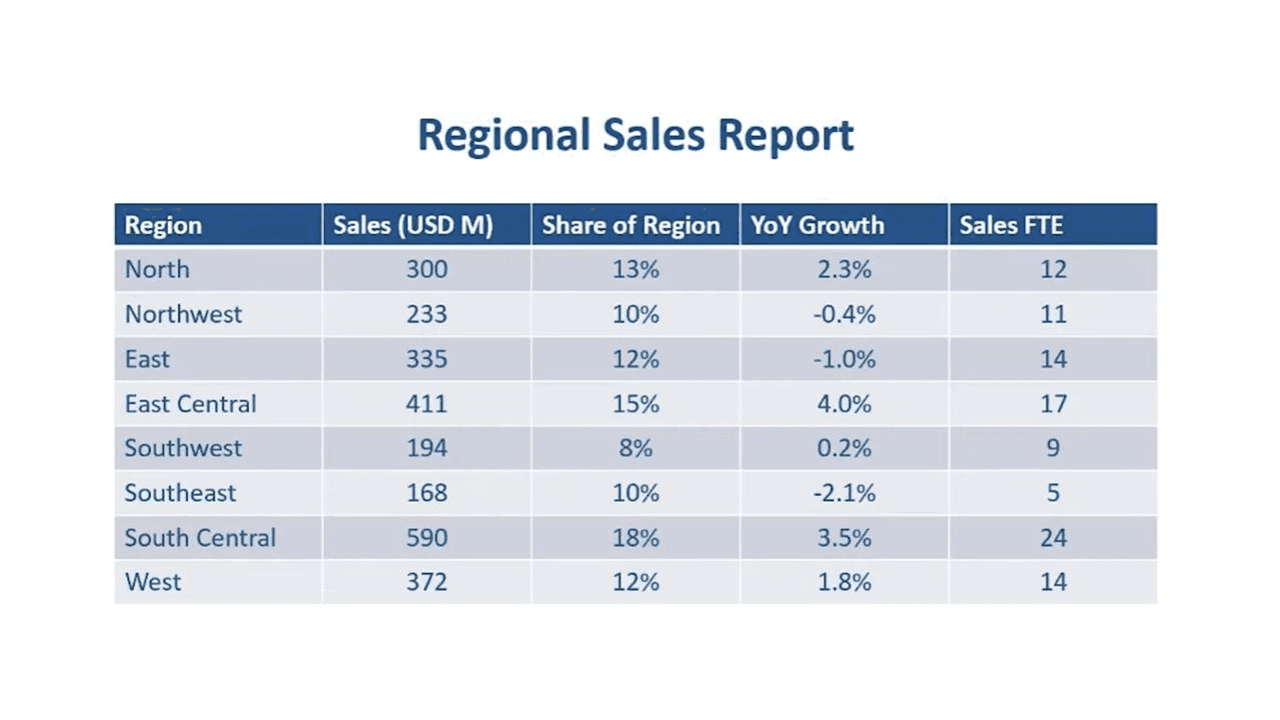
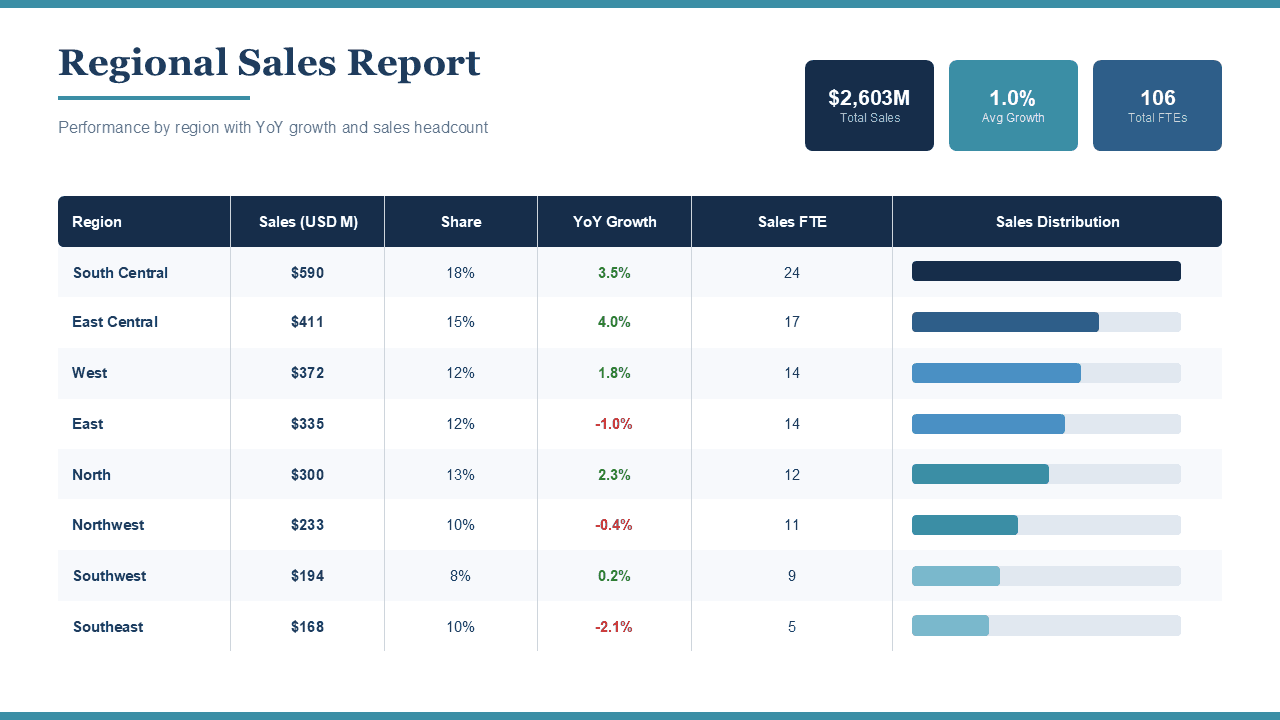
Used by employees at


How It Works
Three steps. Sixty seconds.
Why SlidePanda
We built what others can't.
See how SlidePanda stacks up against generic AI presentation tools.
FeatureOthersSlidePanda
★ Maintains existing templates✕✓
Preserves brand fonts & colors✕✓
Works with existing .pptx files~✓
Outputs native PowerPoint~✓
FAQ
Frequently asked questions
Everything you need to know before uploading your first deck.
01What file formats are supported?
Currently, we support .pptx (PowerPoint) files only. Upload a presentation and get a redesigned .pptx file back.
02What languages are supported?
Over 100 languages are supported, including English, Spanish, Chinese, French, German, Arabic, Hindi, Japanese, Korean, Portuguese, and Russian.
03How long does processing take?
Typically less than 1 minute per slide. You can close the tab and we'll email you when it's ready.
04Can I edit the output?
Yes! The output is a fully editable PowerPoint file. Every element — text, shapes, images — can be moved, resized, and recolored.
05What fonts are supported?
The first version supports standard Windows fonts. Custom or non-standard fonts may not render correctly.
06Is my data secure?
Yes. Your files are encrypted in transit and at rest, stored in isolated user-specific paths, and automatically deleted after 30 days.
07How do credits work?
Each slide redesign costs 1 credit. You get 1 free credit to start with. You can purchase more credits as helpful (approx. $0.2 per slide).